

LiveCreator and influencer partnership studio
All Crafted Digital
A premium studio site that tells creators who we are in ten seconds.
- React
- TypeScript
ServicesData & Analytics
We bring useful information from your existing tools into clear reports and dashboards, so you can spot trends, understand performance and make informed decisions.
Weekly overview
Sample dataShare by source
By month
How it works
Figures from your payments, CRM, shop and spreadsheets are pulled into one place and tidied so they agree with each other. Each role then gets a customised dashboard that answers its own questions, with alerts and a weekly report so people act on what they see.
Step 1 of 4
1. Collect
One pipe
2. Model
Raw
Tidy records
Two names merged, one duplicate removed.
3. Visualise
Revenue by month
Pipeline by week
Orders by status
4. Act
Alert rule (sample)
If pipeline value is below target, message the owner.
Owner notified
Weekly report (sample)
Monday 08:00, to the team
Sent
Collect. Data is pulled from tools such as HubSpot, Xero, Stripe and GA4 into one place.
Who it is for
What we build
Data from HubSpot, Stripe, Xero and GA4 gathered into Supabase or Convex with agreed definitions.
Finance, sales and marketing each see the charts relevant to them, in a web app with Clerk sign-in.
GA4 events, goals and consent-aware tracking configured so the data is trustworthy.
Weekly summaries sent by email through Resend, with the figures and anything that changed sharply.
Duplicate contacts, mismatched names and missing fields tidied once, with checks to stop them returning.
How we work
We start with what decisions you make each week and which figures they depend on.
We pull the data together and agree one definition for terms like lead, customer and revenue.
We design customised dashboards for each team and check them against figures you already trust.
We walk each team through its customised dashboard and adjust as their questions change.
Related work
Each project is labelled Live, Demo or Coming soon, so you can see what is in use today and what is on its way.
A premium studio site that tells creators who we are in ten seconds.
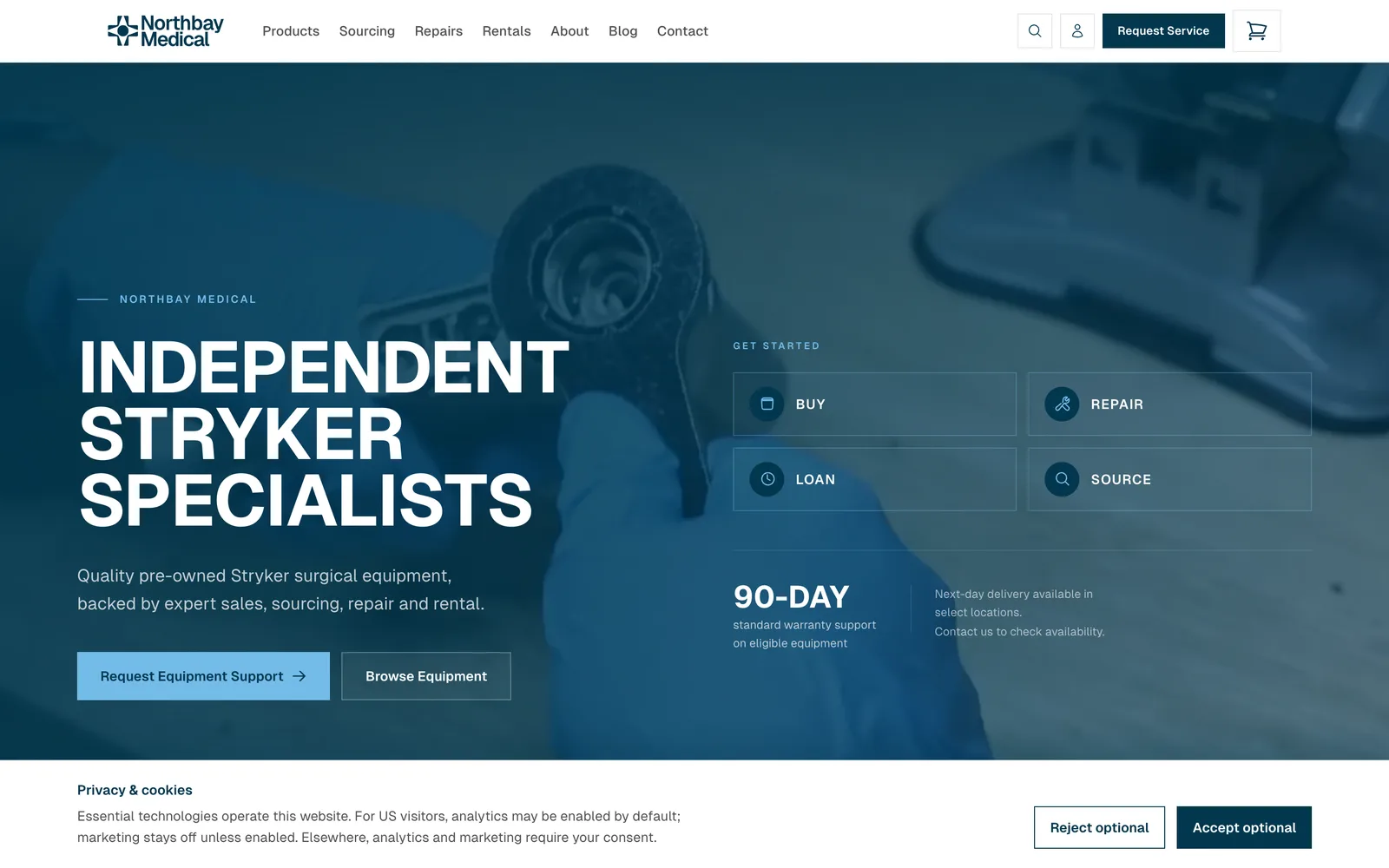
A Shopify-backed storefront with repair, sourcing and loaner journeys feeding one enquiry list.
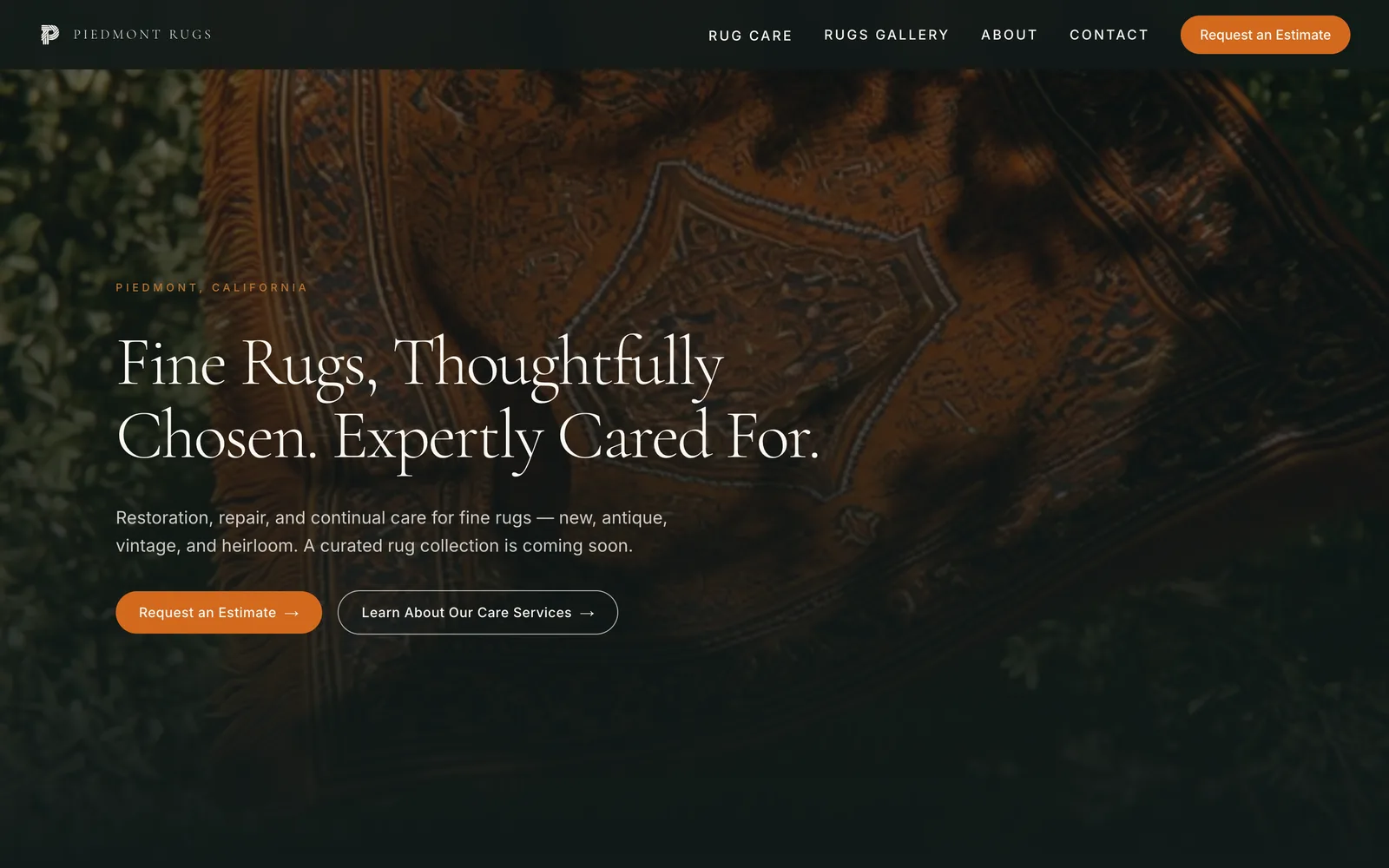
A rug-care and restoration site for an East Bay rug house, with photo-attached estimate requests.
Stack
FAQ
Often not at first. For many small and mid-sized firms, a well-structured Supabase database is enough. We recommend a heavier set-up only when your volume or reporting needs call for it.
Yes. We audit events, conversions and filters, then correct them and document what each one means. Data collected before a fix cannot be recreated, so earlier is better.
We limit access by role, keep keys on the server and only pull the fields a customised dashboard needs. We follow UK data protection requirements and can work to your own policies.
It depends on scope, mainly the number of systems and how messy the data is. We give a written estimate after a short discovery call.
Related services
Tell us your business requirements, and we'll come back with a plan to deliver.