

LiveCreator and influencer partnership studio
All Crafted Digital
A premium studio site that tells creators who we are in ten seconds.
- React
- TypeScript
ServicesAI Workflows & Automation
AI workflow automation for the repeat work between your tools. A form, email or webhook starts a run, an AI step decides, the actions follow, and every run is logged with a person checking the uncertain cases.
How it works
One enquiry, followed from trigger to log. When the AI step is unsure, the run waits for a person. Press Review in step four to clear the alert.
Step 1 of 4
Trigger
New enquiry form
Fernhill Studio
Can you quote for a new shop front?
AI step
Classifies the request
WaitingActions
Run log
Alert. Alerts appear here when a run needs a person.
Sample run for illustration. Names and scores are examples.
Trigger. A form, email or webhook starts the workflow the moment something arrives.
Who it is for
What we build
Form submissions create HubSpot contacts, notify the right person and send a confirmation through Resend.
Stripe payments and invoices are matched to Xero or QuickBooks records, with overdue items surfaced for follow-up.
Language models read incoming messages through OpenRouter, suggest a category and draft a reply for a person to approve.
Jobs that run daily or weekly, compare systems and send a short summary of anything that does not match.
Reliable connections between tools, with retries, logs and alerts, so a failed step is visible rather than silent.
How we work
We follow one task from start to finish, noting every tool, handover and decision point.
We pick the steps that are repetitive and rule-based, and keep a person on anything that carries risk.
Each workflow records its actions, handles errors and pauses for sign-off where you want it.
We watch the first weeks of real use, fix edge cases and hand over a plain-English guide to how it works.
Related work
Each project is labelled Live, Demo or Coming soon, so you can see what is in use today and what is on its way.
A premium studio site that tells creators who we are in ten seconds.
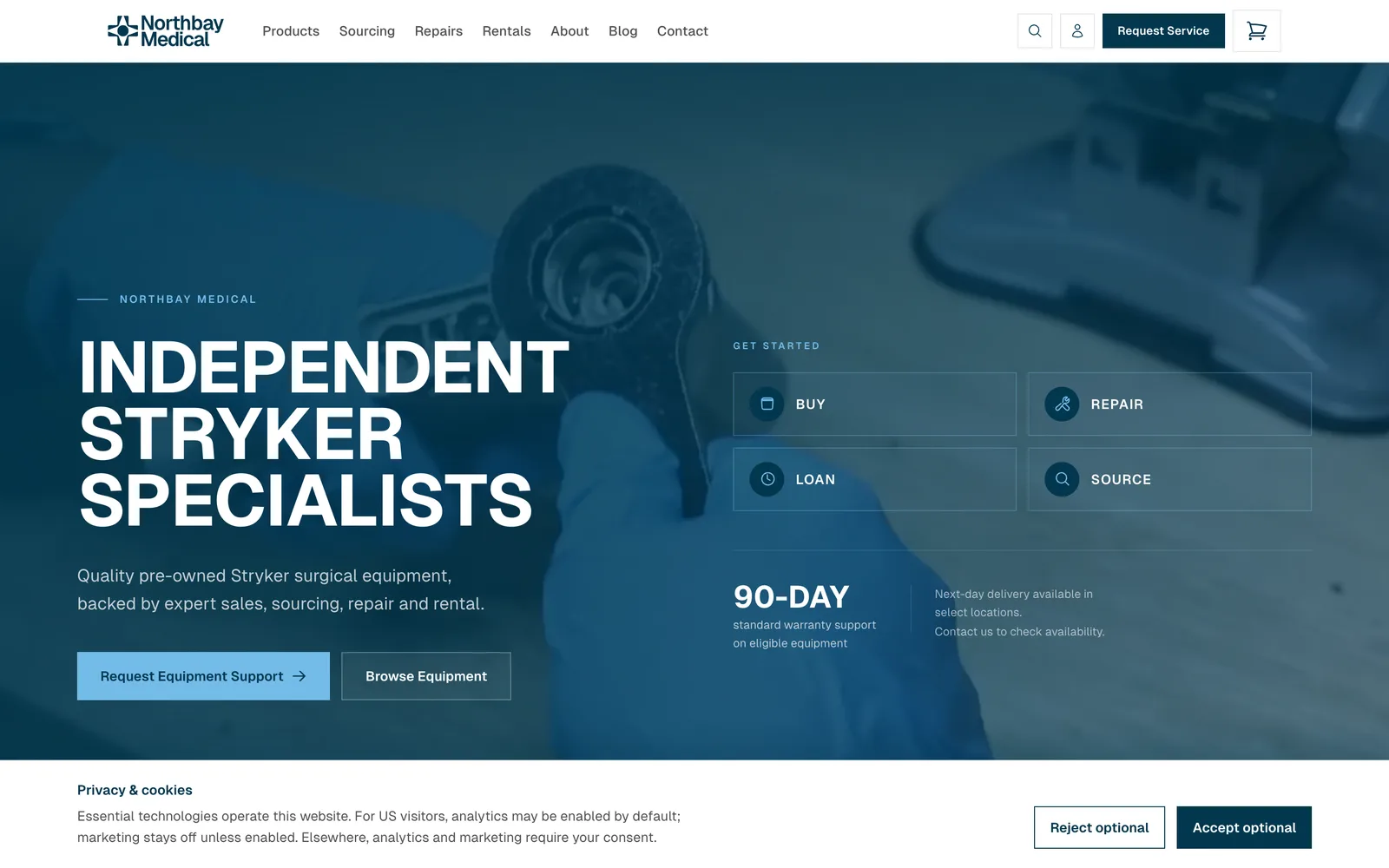
A Shopify-backed storefront with repair, sourcing and loaner journeys feeding one enquiry list.

A rug-care and restoration site for an East Bay rug house, with photo-attached estimate requests.
Stack
FAQ
Zapier-style webhooks are one tool we use. When a process needs proper error handling, audit logs or custom logic, we write code instead, so you are not relying on a chain of brittle steps.
Some routine tasks can run automatically, saving your team time. For actions that need more oversight, we can build in review and approval steps. We'll agree which actions should run automatically and which require human approval before setting up your workflow.
We can connect many of the tools your business already uses, depending on the features and access each provider makes available.
We do not promise a figure up front. We measure the current manual time during scoping, and the cost depends on scope and the number of systems involved.
Related services
Tell us your business requirements, and we'll come back with a plan to deliver.